GLANCE
Screenshot tool for AI agents
We took a screenshot of
1,000 words
The screenshot cost fewer tokens than the words!
A Glance screenshot of a full page of text is 2× cheaper than pasting the text itself. The image is literally cheaper than the words it contains.
Read the 1,000 words →The AI can still read this.
Same screenshot. Same information. 97% less data.
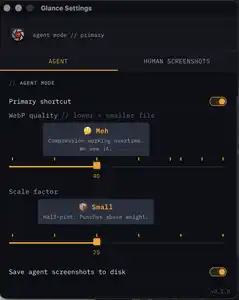
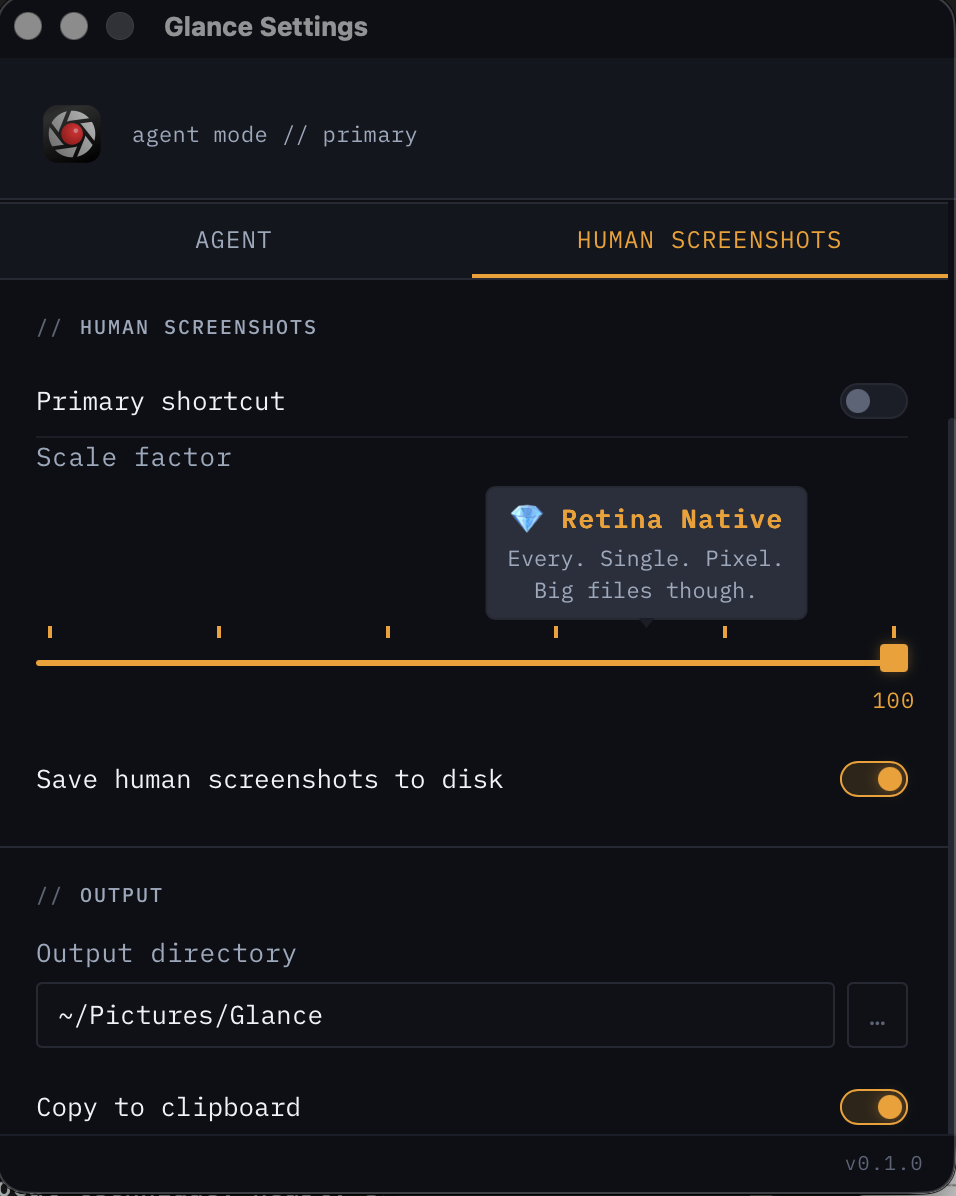
AI vision models don't see file sizes — they see pixels. The formula is simple: tokens = (width × height) / 750. A human-mode 956×1196 screenshot costs ~1,524 tokens. Glance scales it to 239×300 — just ~96 tokens. That's 16× cheaper.
Smaller dimensions = fewer pixels = fewer tokens = cheaper API calls. The AI reads both images equally well.
Different settings, same readability
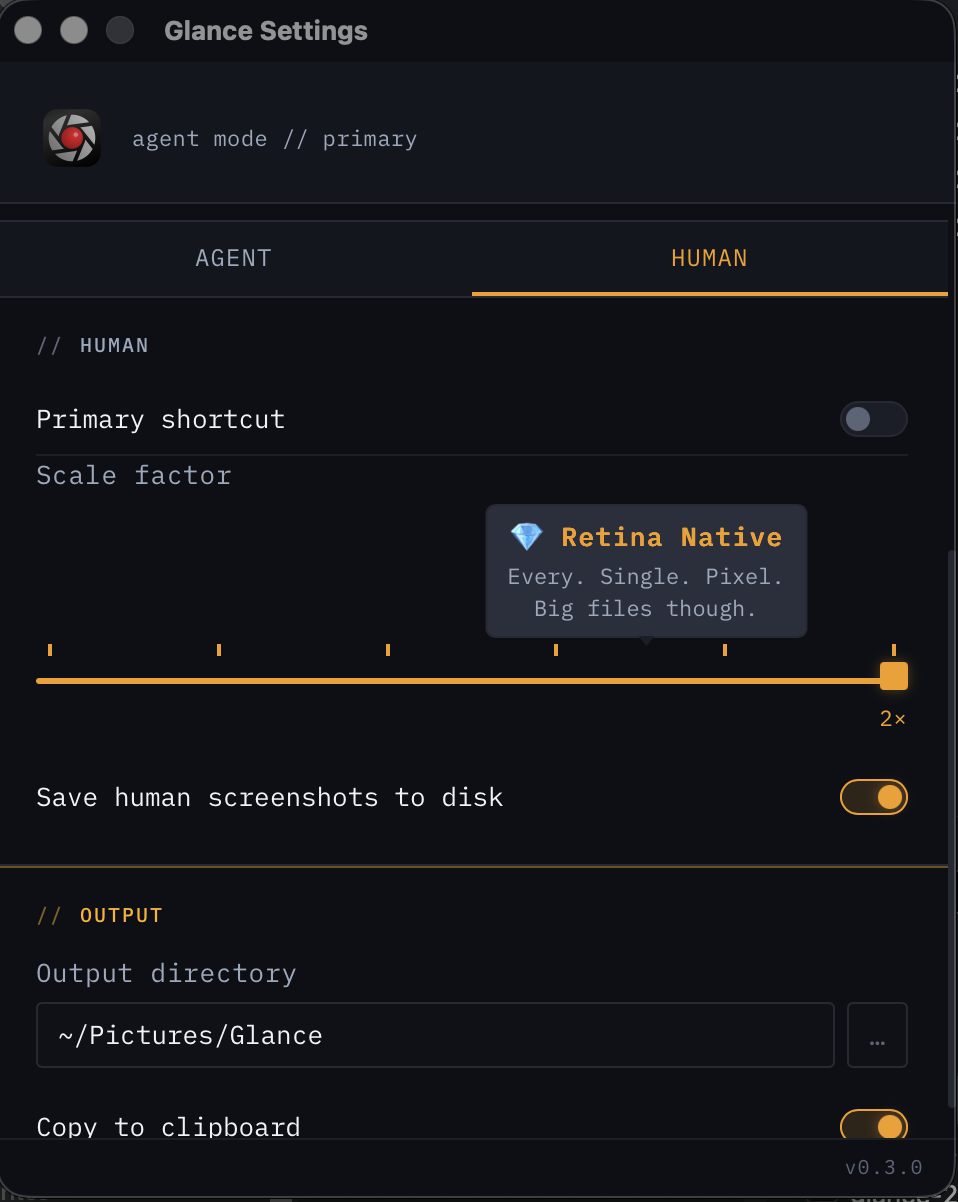
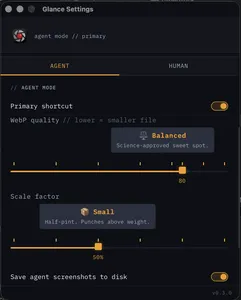
All four are perfectly legible to Claude — even the 124×156 one. The smallest uses 59× fewer tokens than the human PNG.
- outputWebP
- quality40% default
- scale25% of original
- purposeAI consumption
“Optimized for AI consumption”
- outputPNG
- quality100%
- scaleconfigurable
- purposehuman review
“When humans need to see it too”
depth full fidelity
scale 1x — 4x options
use review · share · archive
Four formats written simultaneously. Works everywhere — Slack, Figma, terminal, Claude. No export step. No save dialog.
Lives in your menubar. No dock icon. No window. Just there when you need it — invisible when you don't.
See exactly how many tokens your screenshot costs before sending. Budget your context window deliberately.
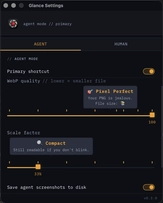
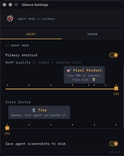
Quality sliders, scale factors, output directories. Tune everything. Live preview with playful quality labels.
Tray icon changes to show current primary mode at a glance. Always know what mode you're in without opening anything.
- License key delivered instantly
- All features, no limits
- 3 devices per license
- Everything in Supporter
- Early access to beta builds
- Everything in Builder
- Priority feature requests
Every screenshot you send to an AI costs tokens.
Per screenshot (Claude Opus 4.6 @ $5/MTok):
Raw: ~2,120 tokens $0.0106
Glance: ~96 tokens $0.0005
At 50 screenshots/day:
Without Glance: $0.53/day → $15.90/month
With Glance: $0.02/day → $0.72/month
You save $15.18/month. Pays for itself in 6 days.